







Common Laser Cutting Problems and What They Usually Mean
Laser cutting is known for speed, accuracy, and clean results, but even a good machine can start producing poor cuts when something inside the system is not working correctly. In many cases, the problem is not the machine itself. It can come from worn consumables, dirty optics, incorrect gas pressure, damaged nozzles, or poor maintenance.
Understanding the most common laser cutting problems can help operators react faster, reduce downtime, and avoid unnecessary replacement of expensive machine parts.
Rough Cutting Edges
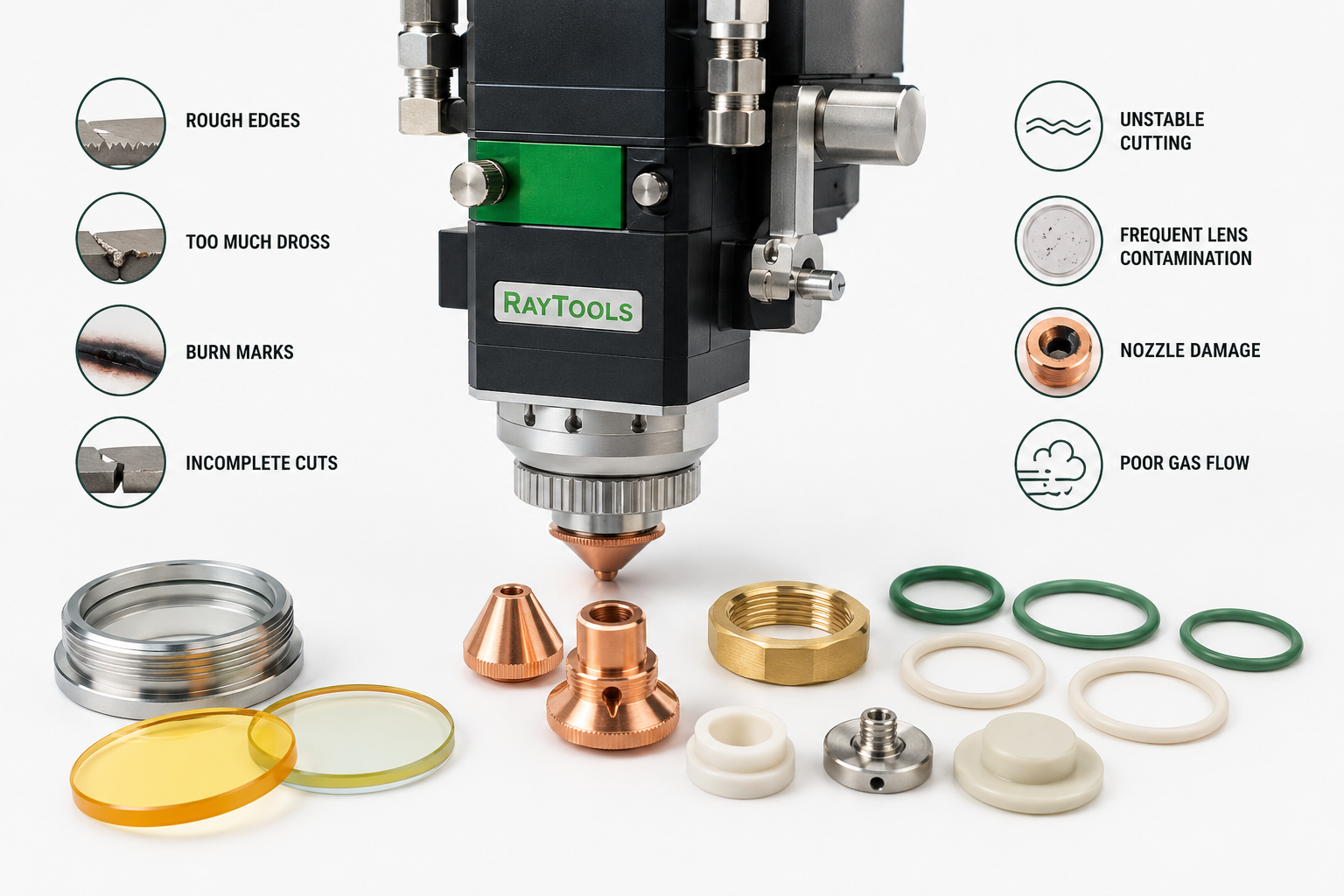
Rough edges are one of the most common signs that the cutting process is not stable. This can happen when the nozzle is worn, the focus position is incorrect, the assist gas flow is unstable, or the protective lens is dirty.
If the edge quality suddenly becomes worse, the first step is to check the basic consumables. A damaged nozzle or contaminated protective window can affect the beam and gas flow, creating rougher cuts even if the machine settings have not changed.
Too Much Dross
Dross is the unwanted material that remains attached to the bottom edge of the cut. A small amount can sometimes happen depending on material and thickness, but excessive dross usually means the cutting process needs adjustment.
Possible causes include incorrect cutting speed, wrong focus position, low assist gas pressure, poor nozzle condition, or a dirty protective lens. If the machine was cutting well before and suddenly starts leaving more dross, consumables should be inspected before changing too many machine settings.
Burn Marks on the Material
Burn marks can appear when too much heat stays in the cutting area. This may be caused by cutting too slowly, incorrect laser power, poor gas flow, or contamination in the optical path.
A dirty protective lens or damaged optical component can reduce beam quality and make the cut less controlled. This can increase heat around the cutting area and leave visible marks on the material surface.
Incomplete Cuts
If the laser does not cut through the material completely, the issue may come from several areas. Common causes include low laser power, incorrect focus, wrong cutting speed, poor gas pressure, a blocked nozzle, or contaminated optics.
Before assuming the laser source is the problem, operators should inspect the cutting head, nozzle, protective window, and lens condition. Small consumables can have a direct effect on cutting power reaching the material.
Unstable Cutting Quality
When cutting quality changes from one part to another, the system may have an unstable setup. This can happen because of inconsistent gas pressure, loose parts inside the cutting head, damaged sealing rings, or contamination near the protective lens.
Silicone sealing rings and other small sealing parts help keep the optical area protected. If they are worn, cracked, flattened, or incorrectly fitted, dust and contamination can enter sensitive areas faster.
Frequent Protective Lens Contamination
If the protective lens becomes dirty too often, there may be a deeper issue. The cause could be poor assist gas quality, moisture or oil in the air supply, damaged sealing rings, a worn nozzle, or incorrect installation of the lens holder.
Replacing the lens may solve the problem temporarily, but if contamination keeps returning, the full cutting head area should be checked. The sealing parts, nozzle, holder, and gas supply all matter.
Nozzle Damage
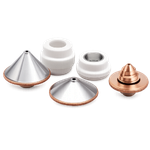
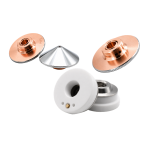
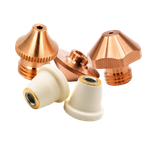
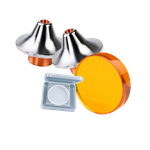
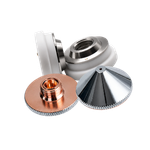
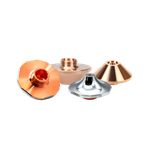
The nozzle directs assist gas toward the cutting area. If it is damaged, blocked, or deformed, gas flow can become unstable. This can lead to rough edges, poor cutting quality, extra dross, and inconsistent results.
Nozzles should be inspected regularly, especially after cutting thick materials or after a collision with the workpiece. A small deformation can be enough to affect performance.
Dirty or Damaged Optics
Laser optics must stay clean to maintain beam quality. Dust, smoke, oil, fingerprints, or small particles can reduce transmission and create heat spots. Over time, this may damage the lens or protective window.
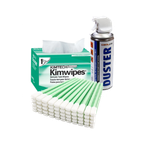
Optical parts should be handled with gloves and cleaned only with proper materials. If a lens has scratches, cracks, burn marks, or discoloration, replacement is usually safer than continued use.
Poor Gas Flow
Assist gas is important for removing molten material from the cut area and protecting the cutting process. If gas flow is weak, unstable, or contaminated, cutting quality can drop quickly.
Operators should check gas pressure, nozzle condition, gas lines, filters, and connection points. Poor air quality, moisture, or oil can also increase contamination inside the cutting head.
When Consumables Are the Real Problem
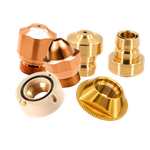
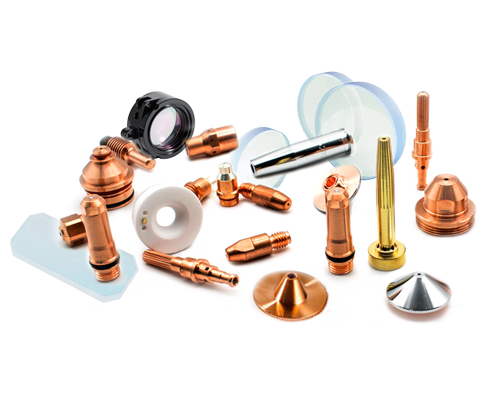
Many cutting issues are caused by small parts that wear over time. These include:
protective windows
nozzles
ceramic rings
silicone sealing rings
ZnSe lenses
mirrors
lens holders
small mounting and sealing parts
Replacing these parts on time is usually cheaper than losing production time or damaging the cutting head.
Final Thoughts
Laser cutting problems are not always caused by the main machine. In many cases, poor cut quality starts with simple maintenance issues: dirty optics, worn nozzles, damaged sealing rings, unstable gas flow, or incorrect focus.
A regular inspection routine helps operators find small problems before they become expensive. Checking consumables, cleaning optical areas carefully, and replacing worn parts on time can keep the laser cutting system more stable and reliable.
At Kamiteka, you can find laser cutting components, protective windows, ZnSe lenses, silicone sealing rings, nozzles, mirrors, and maintenance parts for professional laser systems.